
How to
Add a property
How to add a place to stay, what to enter in each field and how to change the data later.
Before you start
You must have the host role. If you do not have it: Apply for the host role.
Procedure
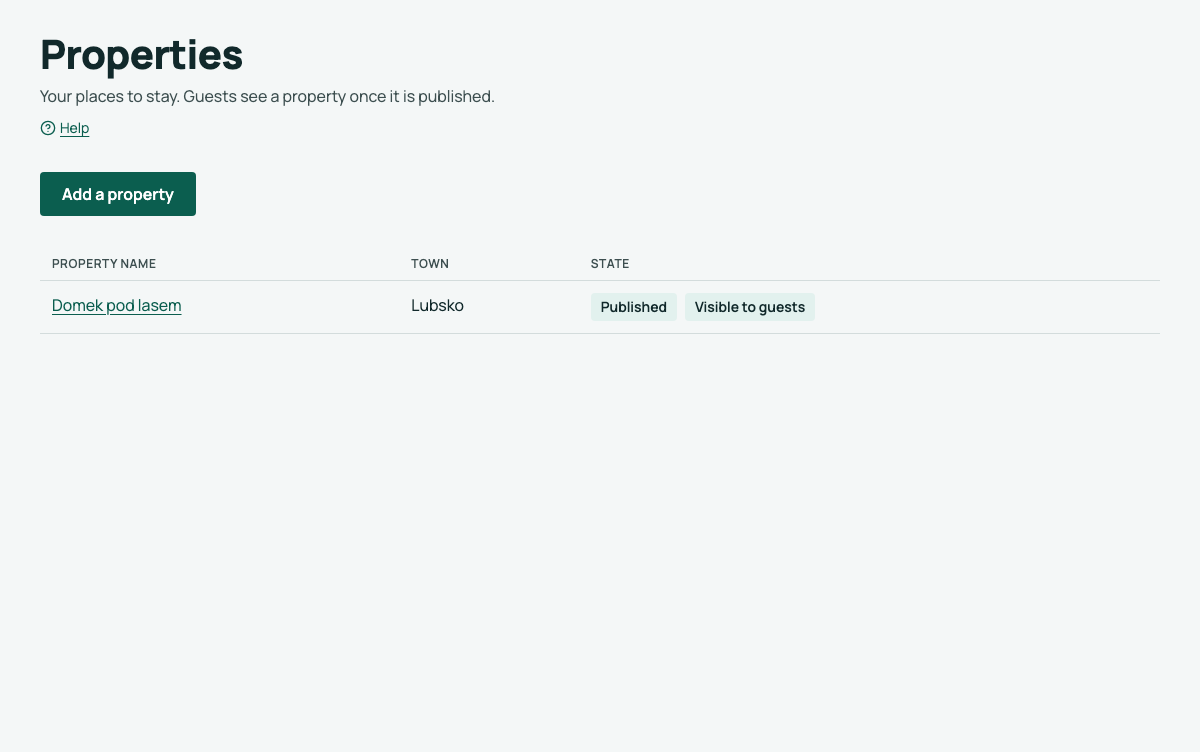
- In the menu, click Properties.
- Click Add a property.
- Enter what the property cannot exist without: the name, type, address, maximum guests, minimum stay, phone and e-mail for guests.
- Click Create property.
The property's Overview opens with To complete: what is required to publish (Polish description, cancellation terms, registration, host details) and what is worth adding. Each item leads to the field in its tab.
Form fields
| Part | Fields | Notes |
|---|---|---|
| Basics | Name, type, description in Polish, description in English | Without an English description, guests see the Polish one. |
| Address | Street and number, postal code, town, country | Guests see the address on the property page. |
| Stay and rules | Maximum guests, minimum stay, check-in from, check-out by, pets, smoking, deposit, price from, cancellation rules | The price is approximate: guests see "from … PLN per night". |
| Contact for guests | Phone, e-mail | Guests see this data on the property page. |
| Arrival information | How to get there and in (Polish and English) | The guest gets it only in the stay confirmation e-mail, never on the page. You can enter e.g. a key box code. |
| Price and terms for guests | What the price includes, mandatory surcharges, payment on arrival, security deposit, local fee | Guests see this in "Price and terms" and, in short, next to the request form. |
| On site | Parking, Wi-Fi, kitchen, beds, linen and towels, cleaning, quiet hours, parties, latest arrival, accessibility (steps, lift, bedroom on the ground floor, bathroom), other information | All optional. Guests see only what you fill in, under "On site"; the first three also in the embedded form. For accessibility, describe the facts instead of writing "accessible". |
Cancellation terms in Polish are required to publish. Describe until when the guest can cancel free of charge, if dates can be changed and what happens on early departure.
If a local or spa fee applies in your town, enter the rate and if it is included in the price. The municipal council sets the rate.
The address of the property page
LocalBook makes the page address from the property name when you first save, for example /en/properties/lake-cabin. The address does not change later, also when you change the name. Thus the links that you sent to guests continue to work.
Change the data
- In the menu, click Properties, then Edit next to the property.
- Choose a tab: Description (name, descriptions, address, contact, host and registration), Rules, Price, On site or Arrival.
- Change the data and click Save changes. Only that tab's fields are saved.
If you leave a tab without saving, we ask whether to save or discard the changes.
The property page shows the changes immediately.
Next steps
Only you can see a draft. To show it to guests: Publish a property.